
هذه المقالة متاحة باللغة الإنجليزية حاليًا.
Workflows & automationCreate and manage a workflow
Plan, assemble, review, and maintain a visual Kinsen workflow.
Start with the outcome
Write down the customer event that starts the journey, the business outcome, and the team that owns exceptions. A workflow should solve one understandable process rather than becoming a collection of unrelated rules.
Build the path
- Create or open the workflow.
- Give it a specific operational name.
- Configure the trigger that starts the workflow.
- Add message, question, branch, integration, routing, and closing steps as required.
- Connect every output to an intentional next step.
- Configure timeouts and failure paths where the workflow waits for external input.
- Save or update the workflow, then test every branch before production use.
Canvas controls
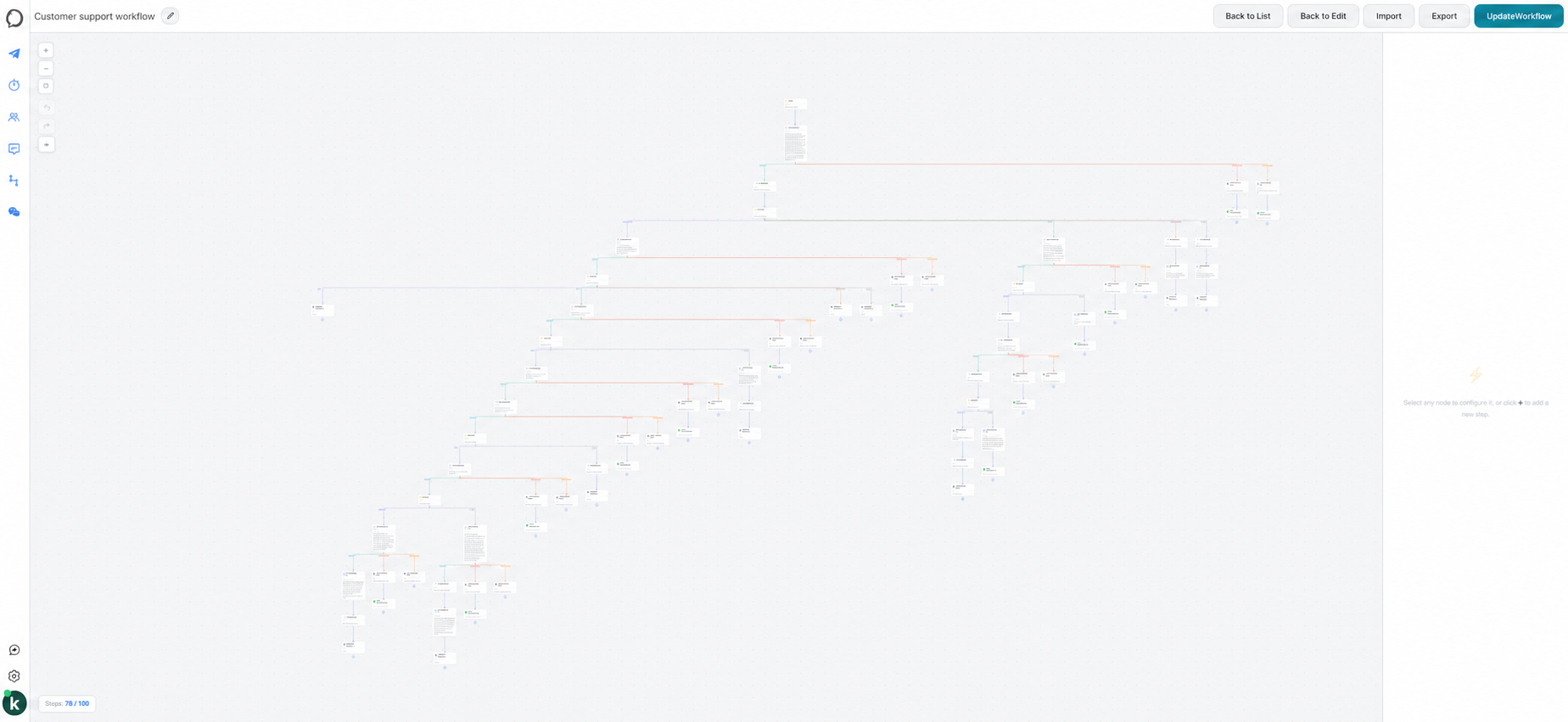
The supplied Kinsen/Talk-io workflow material shows a visual canvas with zoom controls, undo and redo, import and export, editing controls, and an Update Workflow action. Select a node to configure it in the side panel.
Maintain safely
- Export a known-good version before a major change.
- Use clear node names and variables.
- Avoid branches that have no fallback.
- Review external URLs and authentication before enabling HTTP steps.
- Retest workflows after changing fields, lifecycle stages, teams, or external APIs.