
هذه المقالة متاحة باللغة الإنجليزية حاليًا.
Workflows & automationWorkflows overview
Understand how a Kinsen workflow moves a customer through automated and human steps.
What is a workflow?
A workflow is a defined customer journey that reacts to an event, evaluates rules, and performs the next permitted action. Workflows help a team apply the same operating process consistently across customer conversations.
Kinsen’s workflow direction is governed automation: the organization defines what can happen automatically, when a person must review the conversation, and which team should own an exception.
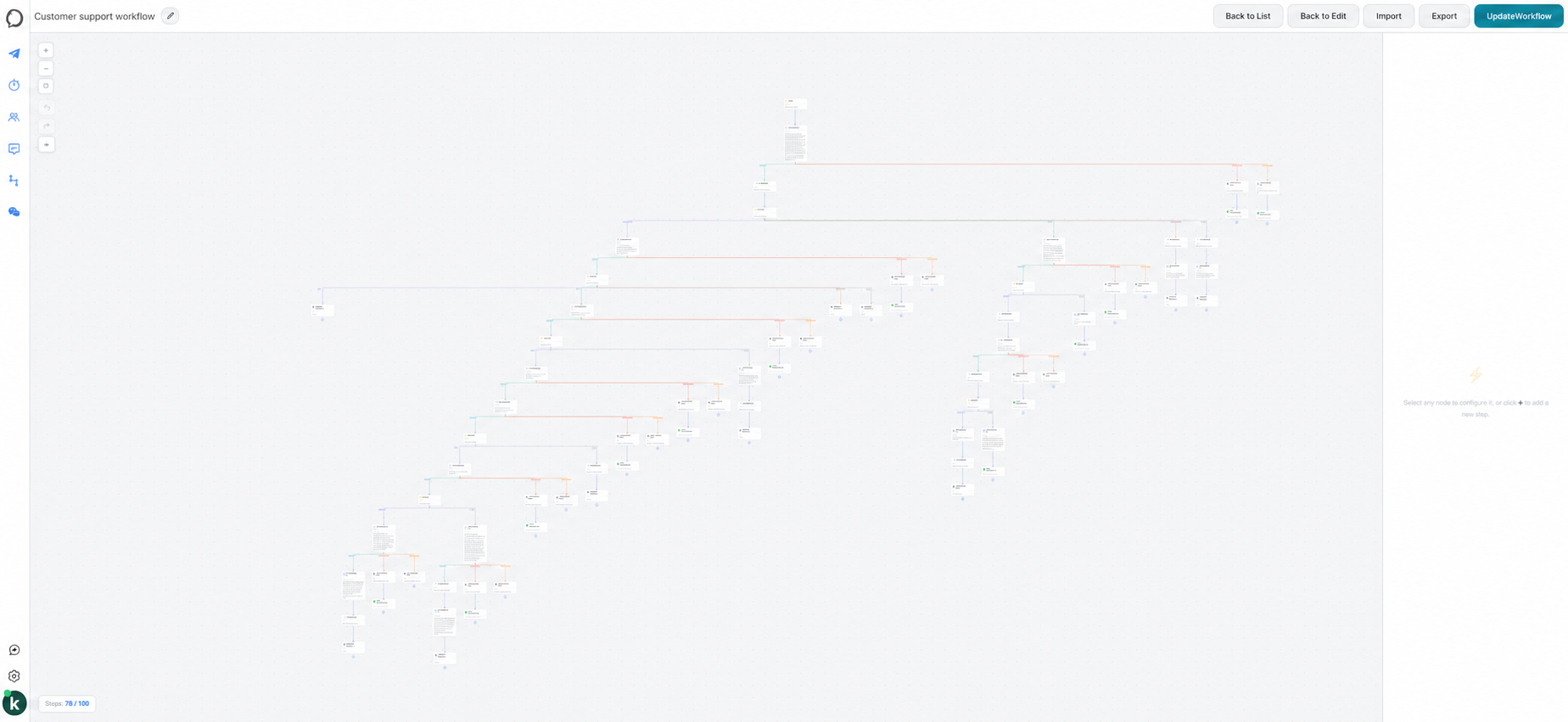
The building blocks
- Trigger: the event that starts or resumes the workflow, such as a new message or a change in conversation data.
- Condition: a rule that determines which path should run.
- Action: the work Kinsen performs, such as updating context, routing a conversation, or sending an approved message.
- Wait: a controlled pause for a time, event, or customer reply.
- Human handover: assignment to a person or team when judgement is needed.
A typical workflow
- A customer event enters Kinsen.
- Kinsen matches the available customer and conversation context.
- Conditions evaluate the appropriate path.
- Approved automatic actions run.
- The workflow waits when another event or reply is required.
- An exception or judgement step hands the conversation to a human owner.
Before publishing
- Define the business outcome and entry trigger.
- Confirm every branch has a clear next step.
- Set ownership for exceptions and handovers.
- Review customer-facing messages.
- Test with representative customer paths before enabling the workflow.
ملاحظة
The latest Kinsen source confirms a visual workflow builder with import, export, node configuration, and update controls. Available nodes and plan limits can still vary by workspace.