
هذه المقالة متاحة باللغة الإنجليزية حاليًا.
Getting startedNavigate your Kinsen workspace
Learn how workspace access changes according to your role and assigned modules.
Your available navigation
The areas shown in Kinsen depend on your user role and permissions. Owners can access the complete workspace. Managers see the modules assigned to them. Agents use the Inbox and may have restricted conversation visibility.
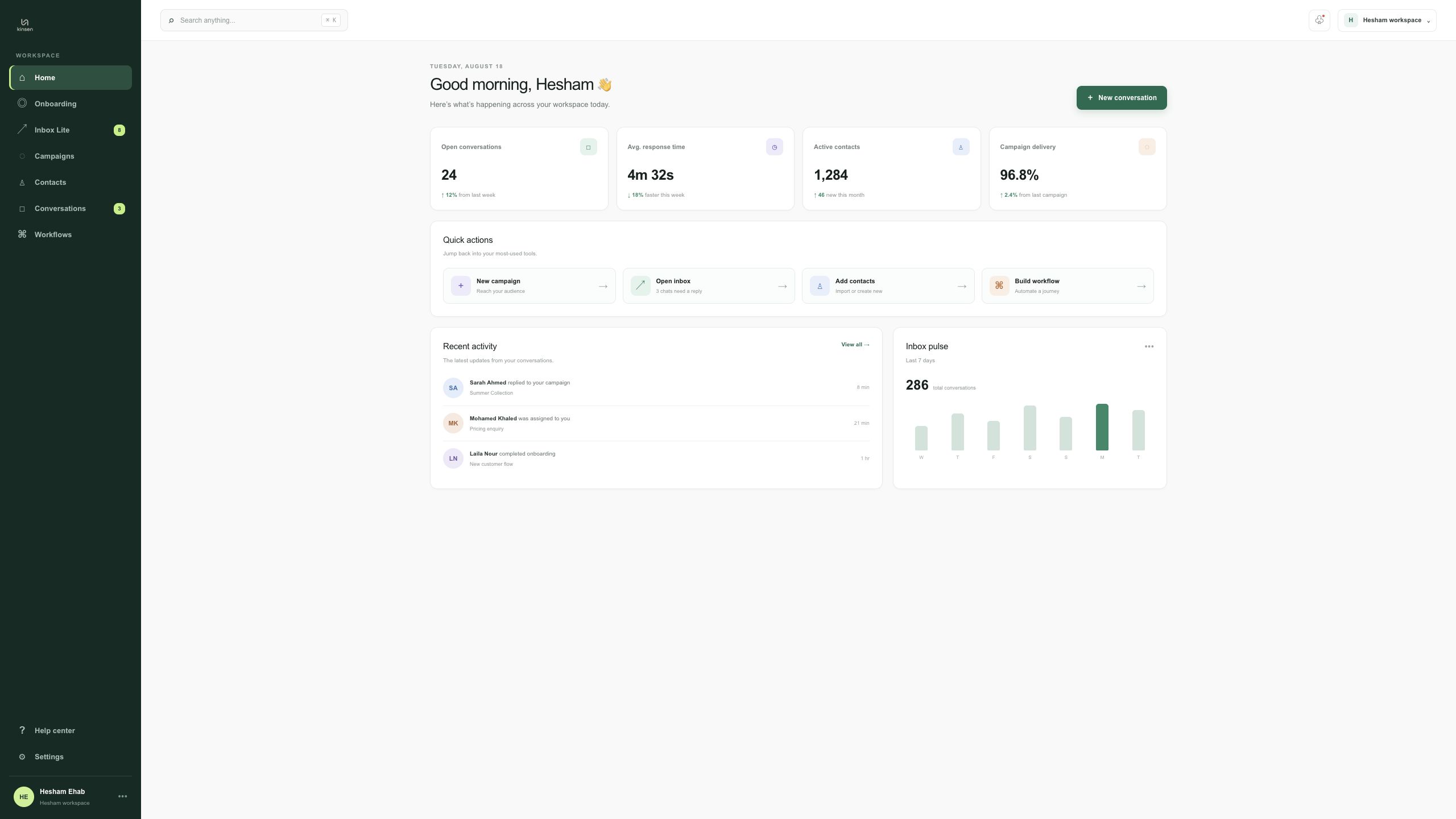
Common workspace areas
- Inbox for active customer conversations
- Contacts for customer identity and history
- Workflows for automation
- Reports for operational visibility
- Workspace settings for users, teams, and configuration
If a module is missing
A missing module does not necessarily indicate an error. Ask an Owner to confirm your role and module permissions.
ملاحظة
The exact navigation available may vary as Kinsen modules are enabled for your organization.