
هذه المقالة متاحة باللغة الإنجليزية حاليًا.
Dashboard & reportingDashboard overview
Use the Kinsen home workspace to orient the team and identify work requiring attention.
Operational orientation
The available Kinsen dashboard prototype combines navigation, performance signals, quick actions, recent conversation activity, and conversation-volume context. Use it to identify work, not as a replacement for detailed reporting.
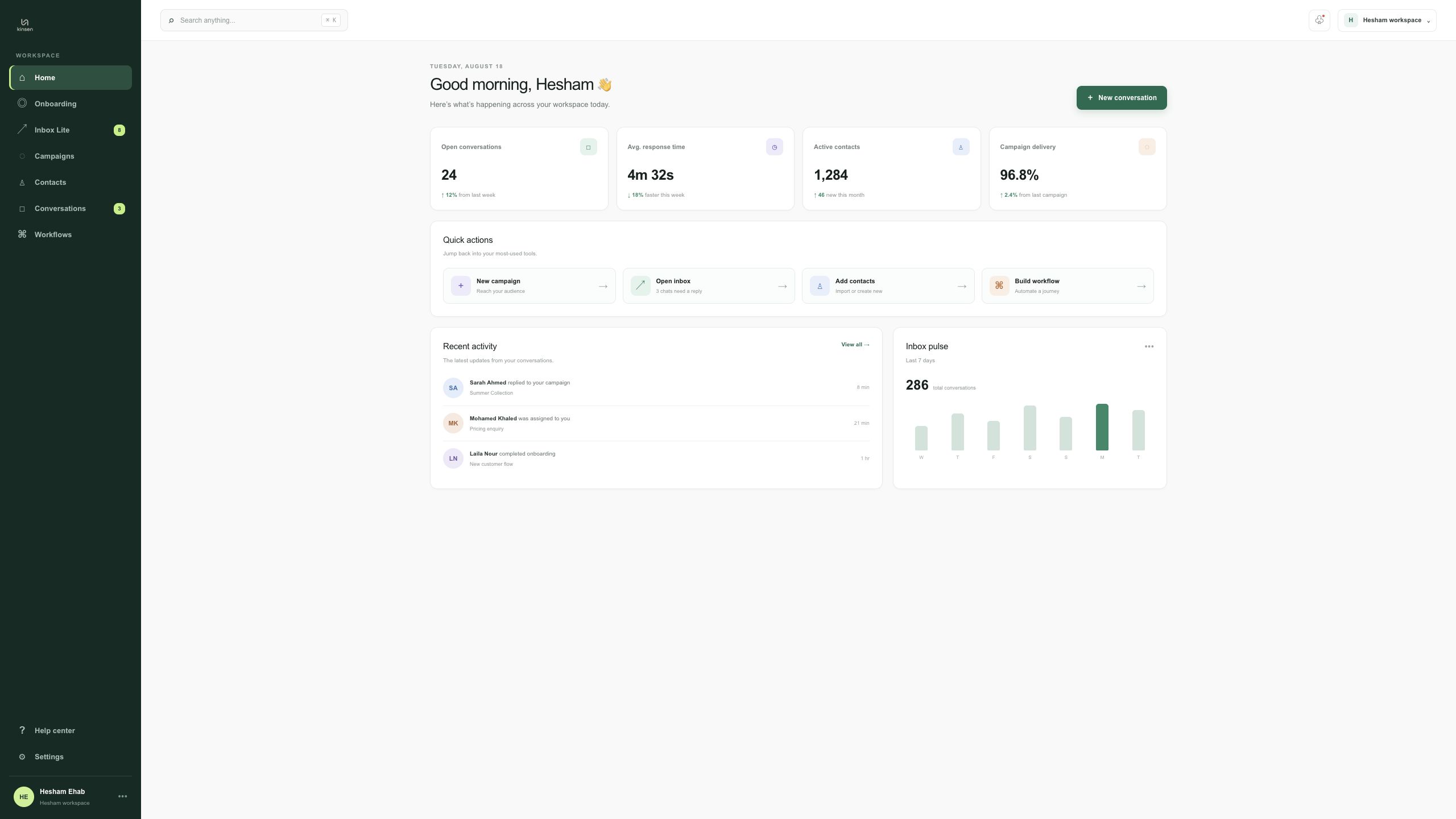
Interpret carefully
- Confirm the time period behind every metric.
- Check whether the metric represents conversations, contacts, messages, or users.
- Compare like-for-like periods.
- Open the underlying Inbox or report before acting on an unusual number.